Image Description Tool example
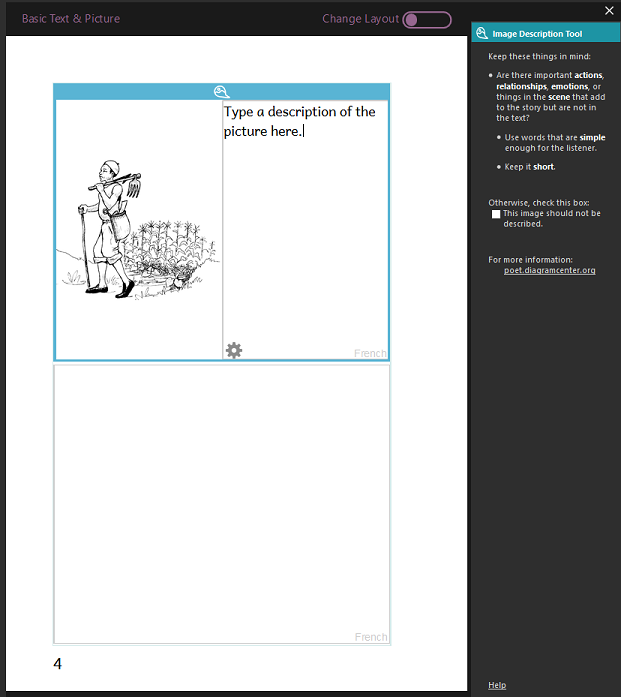
The  Image Description Tool is on the right side.
The text box for the description is next to the image.
Related Topics
Bloom Accessibility Checker dialog box
Image Description Tool overview
The Image Description Tool is on the right side.
The text box for the description is next to the image.
Bloom Accessibility Checker dialog box
Image Description Tool overview