Full Bleed Printing
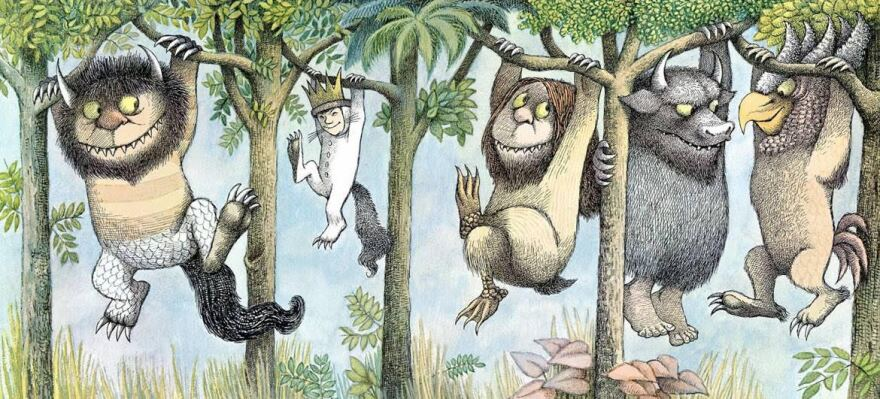
The above image, taken from the children’s book “Where the Wild Things Are,” shows an edge-to-edge image. To achieve the edge-to-edge finished product for your printed book, you must provide the print shop with a “full bleed” PDF. In a full-bleed PDF, the page size is slightly larger than the printed book’s actual page size. In this way, the print shop can trim the paper and still achieve a nice, clean edge on all the pages.
For books which do not require edge-to-edge images, there is little need for full-bleed printing.
Paper Comic Book
In Bloom 6.3, there is only one book template which is designed for full-bleed printing for the entire book (front cover and interior pages). This is the Paper Comic Book template.
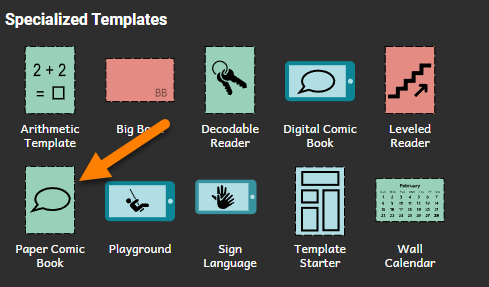
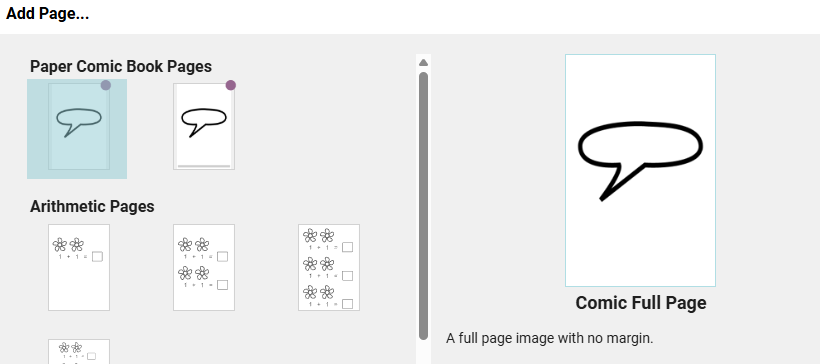
This book template provides an automatic full-bleed front cover, and it provides two edge-to-edge full-bleed interior pages:
Other Paper Sizes with full-bleed
Bloom allows for full-bleed printing for a number of other paper sizes, such as A5.
However, Bloom currently does not provide an interior page template that supports edge-to-edge, full-page images with no margins. Only the Paper Comic Book provides such a template.
However, Bloom does provide a means to have a full-bleed image for the front cover. For further detail, see Book Settings.
In a future version of Bloom, we plan to provide page templates for edge-to-edge interior pages for non-comic print page sizes.